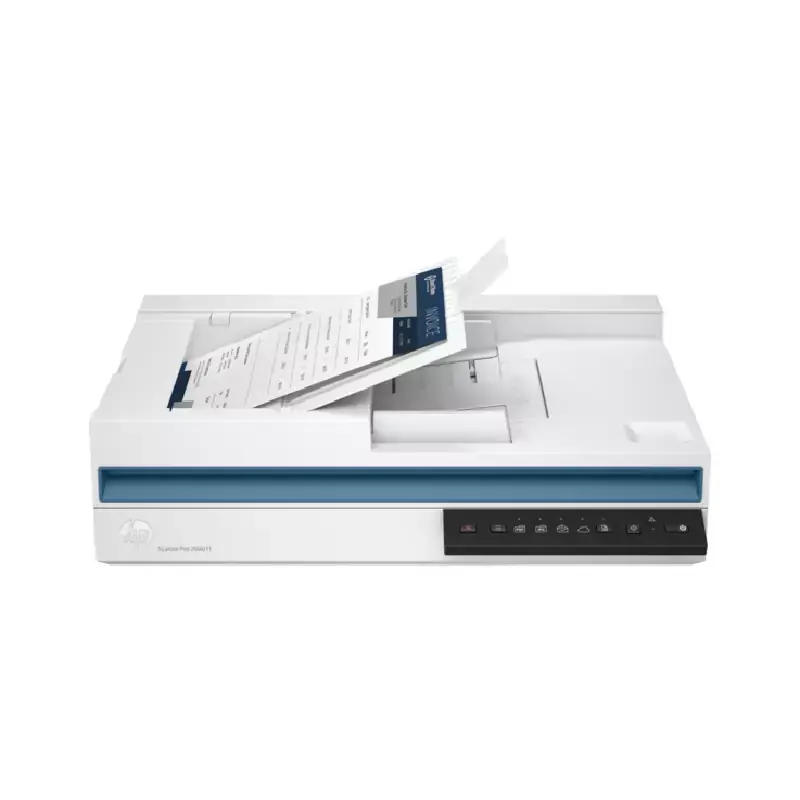
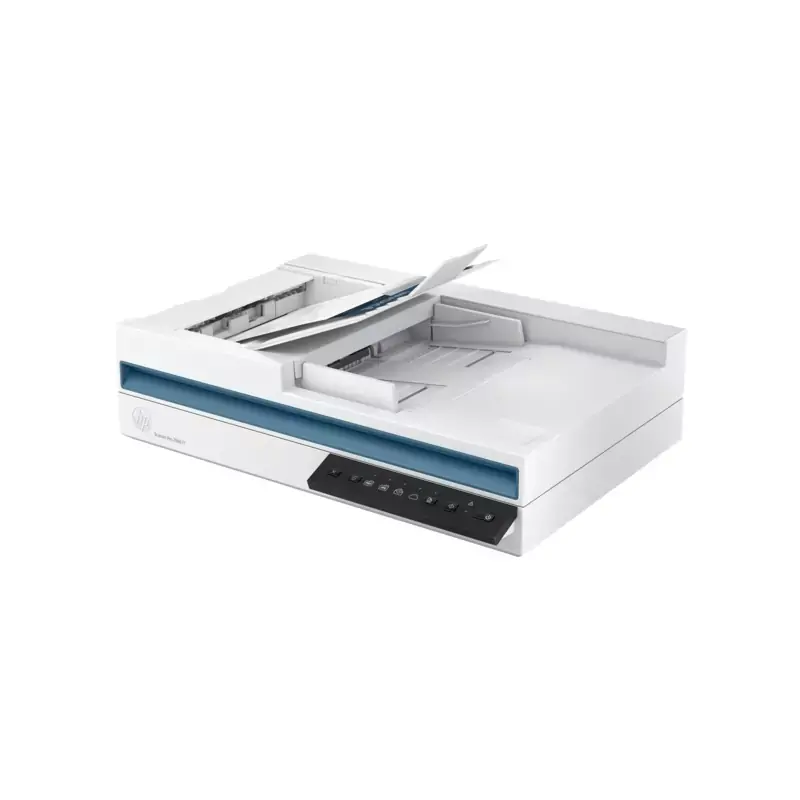
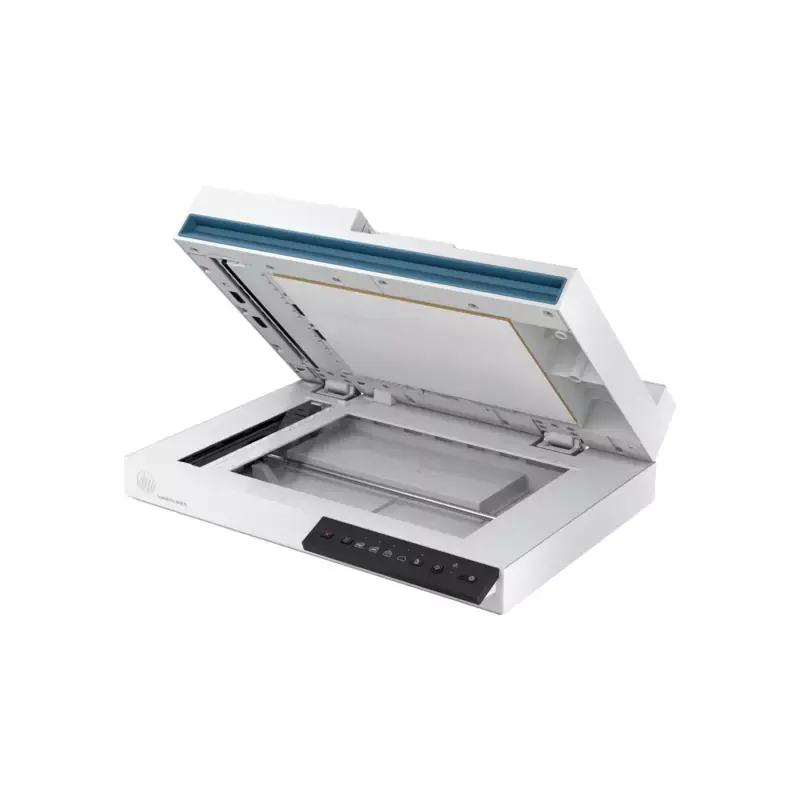
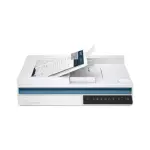
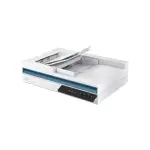
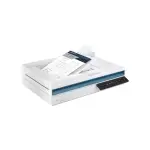
HP SCANJET 2600 F1
Features:
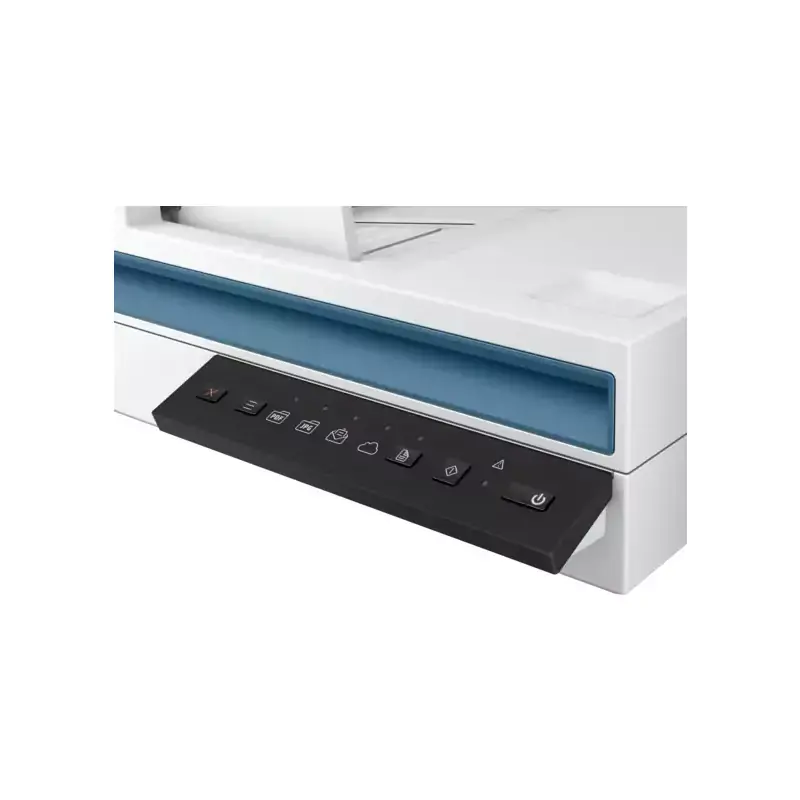
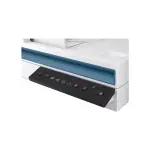
 The control panel offers a handful of buttons and status lights for setting up and executing scans and workflow profiles. (Credit: HP)
Most of the buttons correspond with preconfigured workflow profiles installed by the HP Scan Pro software (more about it in a minute). Scanning resolutions are 600 dpi from the ADF and 1,200 dpi from the flatbed. Color depth is 24-bit external and 48-bit internal, and the maximum document size is 8.5 inches wide by 10.2 feet long.
If you want a color touch screen for configuring and executing scans, you'll have to step up to a midrange or high-volume model such as the HP N6600 fnw1 or the Raven Pro Max. The latter, in fact, lets you edit scans, configure document-management settings, and much more from an 8-inch tablet-like touch panel. Such advanced features don't come cheap, however; the enterprise HP and the Raven Max cost three or four times as much as the ScanJet Pro 2600 f1.
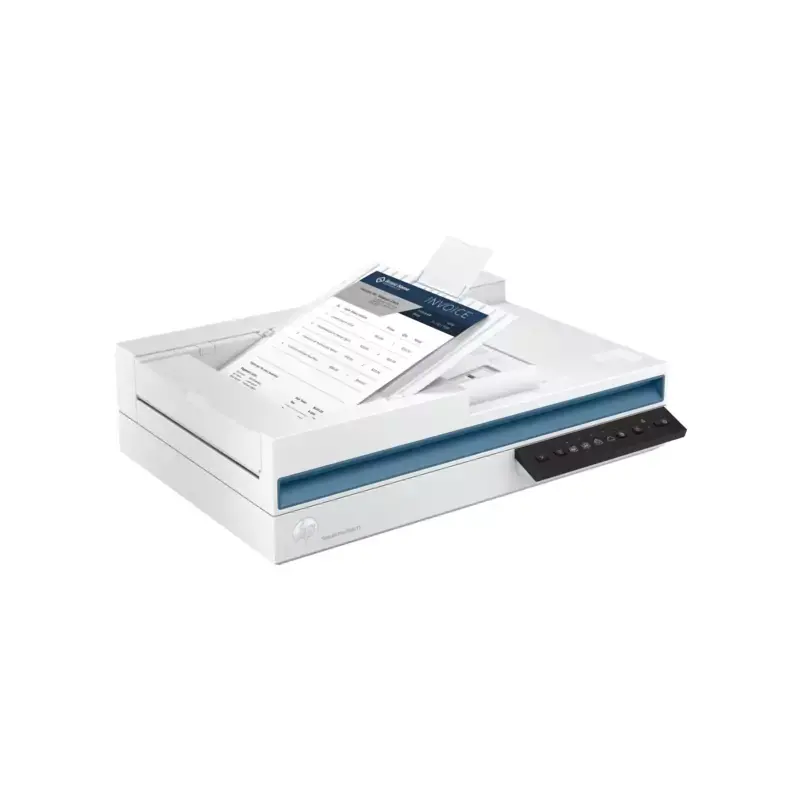
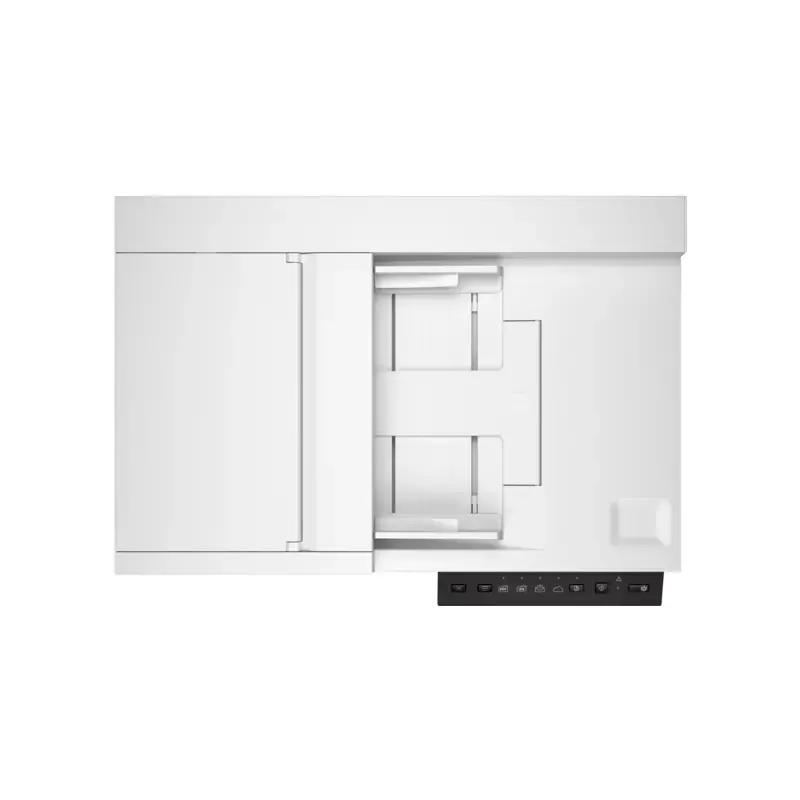
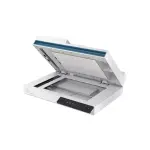
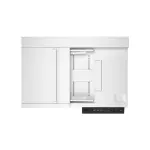
 The ADF holds up to 60 pages, while the flatbed scanner lid doubles as an output tray. (Credit: HP)
The HP's auto-duplexing ADF holds up to 60 pages, and the device's daily duty cycle is 1,500 scans. The Epson DS-1630 and Xerox Combo have matching duty cycles, though their automatic document feeders hold slightly fewer sheets. High-end scanners like the Raven Pro Max and the HP ScanJet Enterprise Flow come with 100-page ADFs and much higher daily maximums (6,000 and 8,000 scans, respectively).
Modest Connectivity, But Easy to Use
I've looked at several combination sheetfed/flatbed scanners lately, and this HP is the only one except the Xerox Combo with a USB 2.0 port instead of a 10-times-faster USB 3. x connection. (As our test scores suggest, however, reading document pages at the speed of this class of scanner doesn't really demand a lot of bandwidth.)
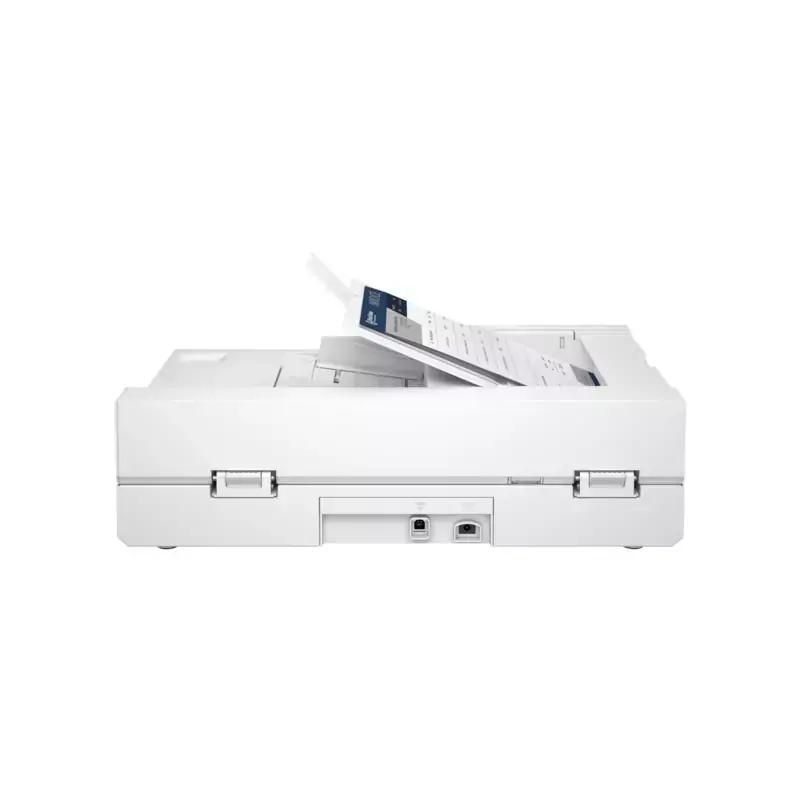
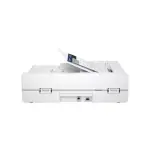
 A USB 2.0 port is the scanner's sole connectivity. (Credit: HP)
It doesn't matter which flavor of USB you use, as all require a direct connection to a single Windows PC or Mac, ruling out Ethernet, Wi-Fi, or access from smartphones and tablets. Nor does the 2600 f1 have an auxiliary USB port for scanning to flash drives or other USB storage devices, a common feature on next-level-up models like the HP 3600 f1.
As mentioned, whether you scan from the control panel or your computer, you must install either the HP Scan Pro software or one of the WIA, ISIS, or TWAIN scanner drivers. The former allows you to create and modify preconfigured workflow profiles (HP calls them shortcuts), while the latter let you scan directly into many programs such as Microsoft's Office suite or Adobe Creative Cloud apps.
HP Scan Pro is, not surprisingly, an enhanced version of HP Scan. Not only does it let you control the scanner directly, but you can also edit or create shortcuts including all aspects of a scan job: the scanning resolution, whether simplex or duplex, the file type, the destination, and so on.
 HP's Scan Pro is a highly capable scanner interface and document archiving app. (Credit: HP)
Specifications:
Available in Zanzibar — same or next-day delivery. Fee calculated at checkout.
Message us on WhatsApp within 48 hours of delivery and we'll sort it.
SKU: 2600 f1
Categories: All, Printers & Scanners, Technology
Brand: YABERColor: GreyFeatures: ➤【Smart Auto Focus & Auto 6D Keystone...
TSH1,350,000.00
Our classic, award winning modular soft play sofa with unlimited possibi...
TSH1,450,000.00
Zonin Prosecco is an Italian white sparkling wine made with Glera grapes...
TSH68,200.00
Zanzibar Moringa Powder is a nutrient-dense superfood sourced from the p...
TSH40,000.00
Stay hydrated in style with Zan Aqua Bottled Water 1.5L x6! Each bottle...
TSH5,500.00